


To delete your account, you will need to choose the 'Cancel account' option on the 'Cancel account page'.
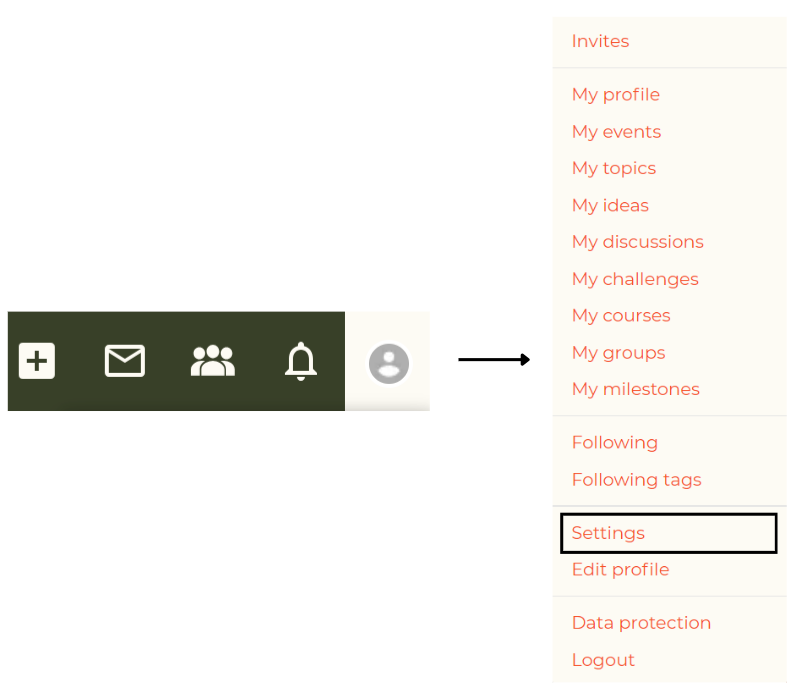
You can reach this page by going to your user profile icon in the header and selecting 'Settings'.
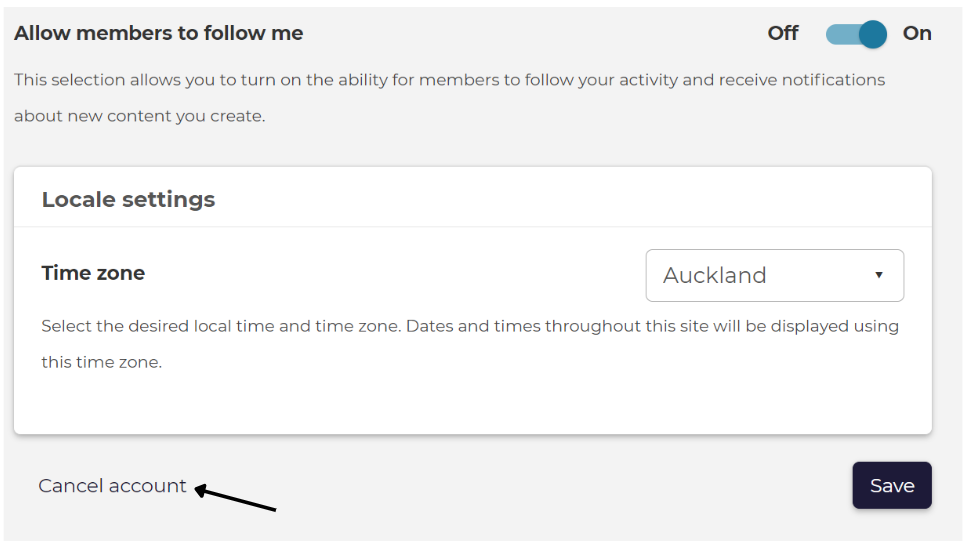
You can then select 'Cancel account' from the bottom of the 'Settings' page.

Your account will be deleted after confirming the action via the link in the confirmation email.
After the account is deleted your profile information and private messages will be deleted, and other content you have created will become anonymised.